Address VerificationChoose who completes the visit

Fewer surprises between approval and repayment.

One Address Verification workflow. Choose whether your own field team completes the visit or Remote Gravity handles it for you where supported.

Remote Gravity app · 14-day free trial

Use your own field team

Run verification requests, assignments, evidence capture, QA and review through Remote Gravity using your existing field officers.

  • Built for teams that already do field checks
  • Reports in one place, not on WhatsApp
  • Free for 14 days, no card needed
Start a free trial
Physical verification where supported

Let Remote Gravity handle the field visit

Send us the address and Remote Gravity will coordinate the physical verification where supported, with photos, GPS, field observations and a reviewed report.

  • Field visits where supported
  • Home and business addresses
  • Pay per verification
Request a field visit

Use your team for some visits and ask Remote Gravity to coordinate others where supported.

VerifyEstablish what is true, at a point in time

Approve with evidence from the ground.

Whether your team completes the visit or Remote Gravity coordinates it where supported, you get photos, GPS, field observations and a reviewed report to approve, query or decline with evidence.

  • Address verification
    Know the address is real, or get the corrected one.
  • Customer or business presence
    Know the borrower is actually there.
  • Photos
    See the premises without going yourself.
  • GPS and location evidence
    Show where and when the visit took place.
  • Field observations
    Learn what the officer saw and heard.
  • Reviewed field reports
    Rely on it: a person checks every report first.
Verification report · EX-02 Provision store Approved
Address confirmed as provided
1 Example Street, Demo City · visited Day 01 (example) by a field officer
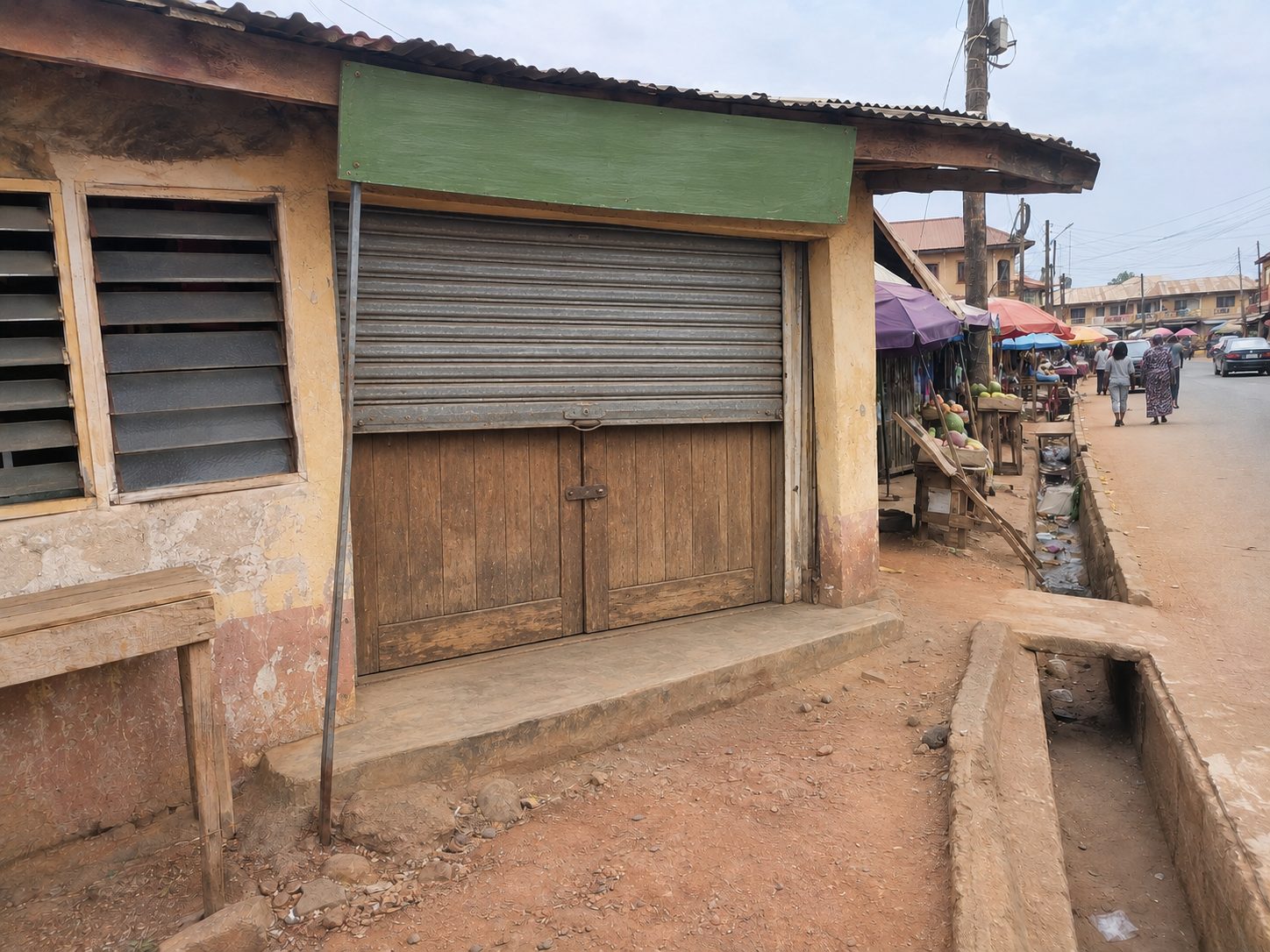
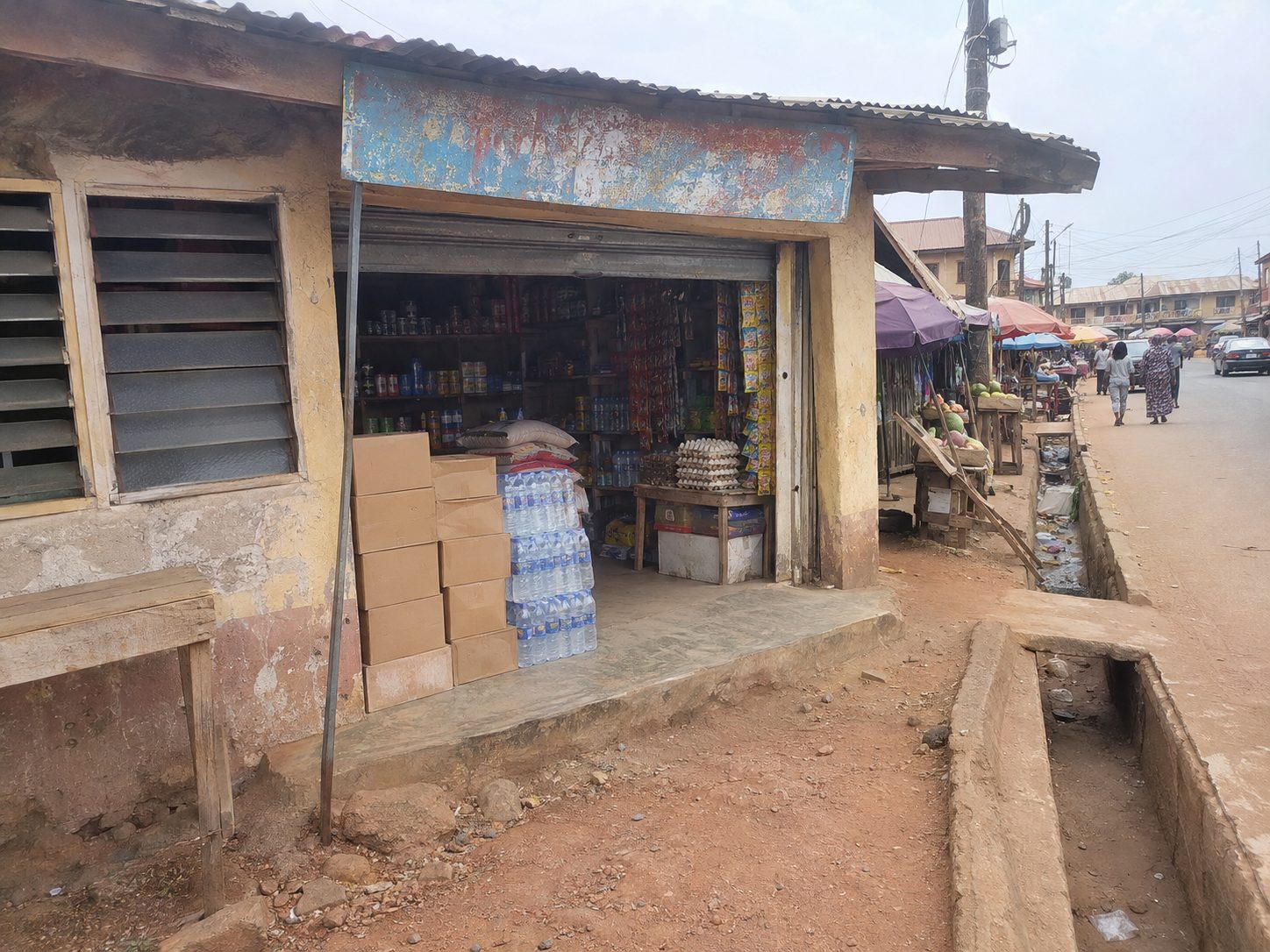
Storefront at the onboarding visitStorefront
Signboard above the shop entranceSignage
The street outside the shopStreet
3 PHOTOS · DAY 01 · 09:00 · 0.0000 N, 0.0000 E · ILLUSTRATIVE PHOTO PANELS
Example StreetDemo Lane 18 m
Address on fileWhere the officer confirmed the business
“Example observation: the shop was open and the example business owner was present during the visit.”
Illustrative officer comment
Customer met
Yes, at the business
Business operating
Yes
Updated address
None needed
Example review outcome · fictional reportSynthetic example report
OperateManage field work

Run field work from request to reviewed outcome.

Create requests, assign them to your field officers, review each report and approve it, with a history of every visit, so you are not chasing updates on WhatsApp.

  • Create requests and assign them to field officers
  • Photos, GPS and notes from every visit
  • Works offline: officers submit when they have network
  • Review each report, then approve or reject it
  • See every past visit for a customer
  • Send someone back for a second check

Recovery teams use it too. Recovery officers start from the verified address and photos, and every visit, payment and new location is on the record.

RequestsSynthetic example queue
New 6In progress 3Pending approval 5Assigned 2
Example customer A
DEMO-0001
+ Assign
New
Example customer B
DEMO-0002
Example officer A
Pending approval
Example customer C
DEMO-0003
Example officer B
In progress
Example customer D
DEMO-0004
Example officer C
Assigned
Monitor PilotKnow whether it is still true

Digital first. Physical when it matters.

We are piloting a way to keep important borrower and location information current after disbursement. You see what has changed and where a field visit is worth making, so field spend goes to the accounts that need it.

Ask about monitoring Monitoring is in early access and is being shaped with lenders.
  1. 1
    Portfolio
  2. 2
    Remote check
  3. 3
    Detect important changes
  4. 4
    Escalate where needed
  5. 5
    Updated information
3 records to reviewPilot · synthetic example queue
EX-02Location differs from the onboarding record.Changed
EX-03Business was not operating during the latest check.Changed
EX-04Borrower reported a new location.Unconfirmed
Get startedAddress Verification

Tell us what you need.

Fill in the form and pick a time for a short call. It takes about a minute.

  1. A
    Use your own field team
    Start a 14-day free trial of the app. We set up your account with your products and the ID your team uses, such as Loan ID. Your 14 days start when the account is live. No card needed.
  2. B
    Let Remote Gravity handle the field visit
    We agree the visit requirements, areas, turnaround and price, then coordinate physical verification where supported.

Not sure who should complete the visit? Tell us about your verification work. We’ll help you choose how to run the visit on the call.

Get startedAll fields are required unless marked optional.
Who should complete the visit?
Tell us about your field checks, expected volume and locations.What physical checks do you need, roughly how many and in which states?How many field officers you have and roughly how many verifications they do a month.

Next, you’ll pick a time for a short call. We use these details to contact you about your request. See our privacy notice.

Know the address is real before you disburse. Find out sooner when it changes.